
9 Best Dictation Apps for Vibe Coding in 2026
The 9 best dictation apps for vibe coding in 2026, ranked and priced. IDE integration, on-device privacy and one-time pricing — with Voibe as the top pick.
 Ayush Chaturvedi11 min read
Vibe coding broke my hands before it broke my brain.
Not literally — but if you've spent a month prompting Cursor or Claude Code all day, you know the feeling. The bottleneck stopped being "can I write this function." It became "how fast can I type three paragraphs of context into a chat box, forty times a day."
That's a typing problem, and typing is the slowest thing you do. Most people type 40–70 words per minute. Most people talk at 130–150.
So the vibe-coding crowd went looking for dictation — and immediately hit a wall. Generic dictation apps are built for emails. Say "refactor the useAuth dot tsx hook" and they hand you "Refactor the use auth dot T S X hook." Now you're fixing the prompt instead of shipping.
I went through the current crop and ranked the 9 dictation apps actually worth using for vibe coding in 2026. My top pick is Voibe — it runs on-device, it reads your IDE workspace so filenames and camelCase come out right, and it's a $149 one-time payment instead of another $15/month subscription.
Let's get into it👇
How I ranked these🧐
"Best dictation app" and "best dictation app for vibe coding" are different lists. Dictating a Slack message is easy mode. Dictating kubectl, useEffect, and auth-middleware.ts into a Cursor prompt is not. Five criteria:
- Technical vocabulary accuracy — does it get filenames, camelCase, hyphenated packages, and library names right, or do you spend the time you saved on cleanup?
- Latency — anything over a beat breaks the flow state that makes vibe coding work at all. Sub-second or it's not in the running.
- Privacy — you're speaking your proprietary codebase out loud. On-device beats "we promise we delete it," especially on client work.
- Cost at solo scale — a $15/month tool is $540 over three years. For a solo builder with no revenue yet, that's real money, and it's why one-time pricing carries weight here.
- Ergonomics — half the reason to dictate is your wrists. A tool that makes you hold a key down for 30 seconds at a time is solving the wrong problem.
All prices below are current as of August 2026 and dated as such. Dictation pricing moves fast — check before you buy.
Quick comparison table📋
| Tool | Best for | Price (August 2026) |
|---|---|---|
| Voibe | Vibe coders who want IDE awareness + one-time pricing | $7.50/mo, $59/yr, or $149 lifetime |
| Wispr Flow | The most polished cross-platform daily driver | Free (2,000 words/wk) · Pro $15/mo |
| Aqua Voice | Dictating literal code, bracket by bracket | Free (1,000 words) · Pro $8/mo · Max $24/mo |
| superwhisper | Local-first dictation with a real free tier | Free · Pro $8.49/mo · $249.99 lifetime |
| Willow Voice | Matching your writing voice automatically | Free (basic model) · Pro $15/mo |
| VoiceInk | Open-source, cheapest lifetime license | Free from source · $29 one-time |
| Talon Voice | Full hands-free control (RSI, accessibility) | Free · $25/mo Patreon for beta |
| MacWhisper | Transcribing recordings, not live dictation | €59 (~$69) lifetime |
| Built-in dictation | Finding out if you like dictating at all | Free |
1. Voibe — the one that actually knows what an IDE is🏆
The only dictation app I've found that reads your workspace, so "useAuth dot tsx" comes out as useAuth.tsx instead of "use auth dot T S X".
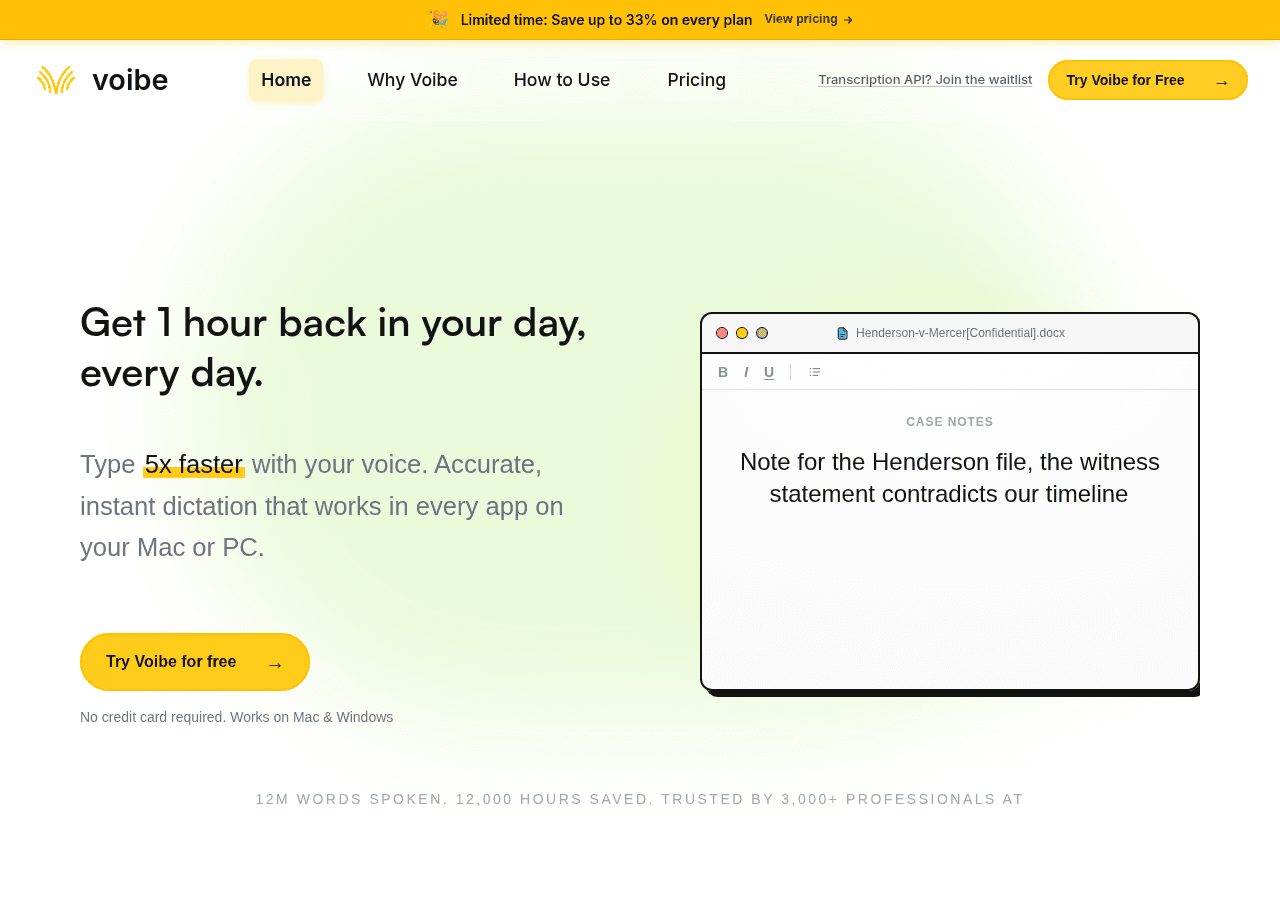
Voibe is a Mac and Windows dictation app built by people who clearly dictate into Cursor themselves. The headline feature is Developer Mode: when your IDE is the active app, Voibe reads the workspace structure — file names, folder paths, variable names — and uses it as a recognition hint. Casing and punctuation land correctly, and the output is paste-ready into a prompt.
It supports Cursor, VS Code, and Windsurf, which is roughly the entire vibe-coding stack. Voibe claims no other Mac dictation tool does this workspace resolution today; I couldn't find one that does either, though it's their claim, not an independent benchmark.
The privacy story is the other reason it tops this list. On Apple Silicon Macs (M1+), Voibe runs fully on-device — your audio never leaves the machine. It uses open-source models rather than routing through a Big Tech API, and the cloud mode (Groq and Cerebras infrastructure) is zero-retention with audio deleted on transcription. If you're dictating over a client's codebase under NDA, that difference matters more than a 2% accuracy delta.
The ergonomics are thought through too. Three input modes: push-to-talk (hold Fn), hands-free (Fn+Space or double-tap Fn) for continuous dictation with no held keys, and Live Dictation on Mac, which streams words on screen as you speak so you can edit before inserting. The hands-free hotkey can be remapped to a single function key, an external switch, or a foot pedal — genuinely useful if your wrists are the reason you're here.
For scale, Voibe's own homepage reports 12M words spoken and 12,000 hours saved across 3,000+ users — small next to Wispr Flow, but this is a focused tool, not a land grab.
Round it out with spoken punctuation (say "comma", "at sign"), a custom dictionary for your stack and internal jargon (React, Pydantic, conventional-commit syntax, your weird internal service names), and memory shortcuts — reusable snippets you trigger by voice, which is quietly the best feature for vibe coding. If you paste the same "follow the existing patterns in this repo, use TypeScript strict mode, no new dependencies" preamble into every prompt, that becomes one spoken phrase.
Pricing: $7.50/month, $59/year, or $149 one-time for lifetime access (August 2026). All tiers include unlimited dictation, Developer Mode, and custom vocabulary, with a 30-day money-back guarantee.
Here's the math that decided it for me: Wispr Flow and Willow both cost $15/month. Over three years that's $540. Voibe's lifetime license pays for itself in ten months against either one, and after that it's free forever. For a solo builder pre-revenue, that's the whole argument.
Best for: Solo devs and indie hackers who live in Cursor or VS Code, care about their code not leaving their machine, and would rather buy a tool once than rent it.
Watch out: The on-device mode is Apple Silicon only — on Windows you get zero-retention cloud mode, not local processing. And Developer Mode covers VS Code, Cursor, and Windsurf; JetBrains and Neovim users are out of luck for now.

2. Wispr Flow — the most polished daily driver✨
If you want one dictation app for everything — prompts, Slack, email, commit messages — and you don't mind renting it, this is the smoothest.
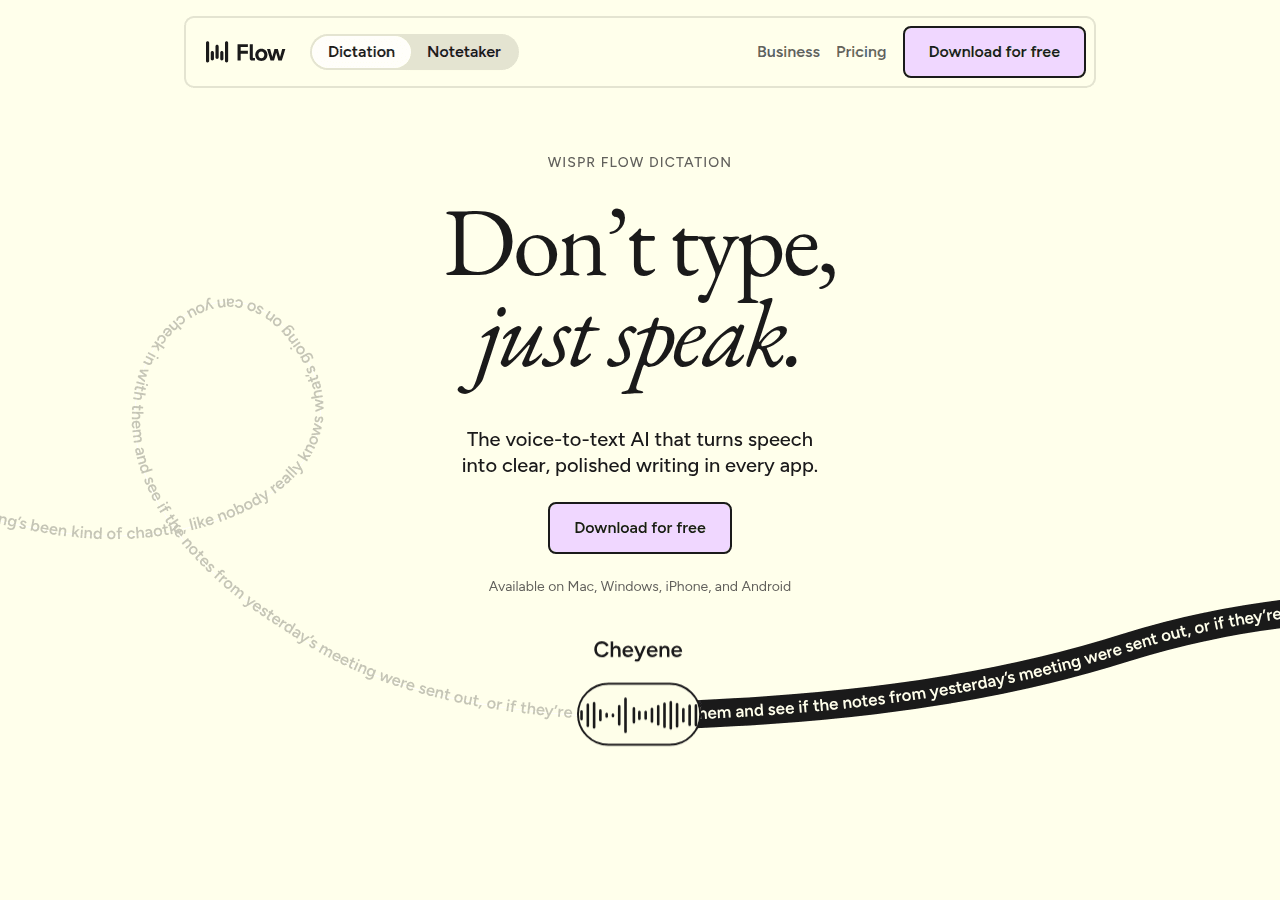
Wispr Flow is the app most vibe coders land on first, and for good reason: it's fast, it cleans up filler words automatically, it handles 100+ languages, and it works across Mac, Windows, iOS, and Android. It slots into any text field, which means the same muscle memory works in Cursor, Linear, and your inbox.
Where it loses ground for our specific use case: it's a general-purpose dictation tool that happens to be good at technical vocabulary, not one built around your codebase. It learns your terms over time rather than reading your workspace.
Pricing: Free tier gives 2,000 words/week on desktop and 1,000/week on iPhone. Pro is $15/user/month, or $12/month billed annually ($144/yr). Enterprise is custom (August 2026).
Best for: People who dictate everywhere, not just into an IDE, and want cross-platform coverage including mobile.
Watch out: The free tier's 2,000 words/week is roughly 20 minutes of talking — you'll blow through it in a day of prompting. Budget for the $15/month.
For the broader comparison, see Voibe's guide to the best alternatives to Wispr Flow across privacy, offline use, platforms, and price.
3. Aqua Voice — the one that dictates actual code⌨️
Everything else here is for dictating prompts. Aqua is for dictating the code itself.
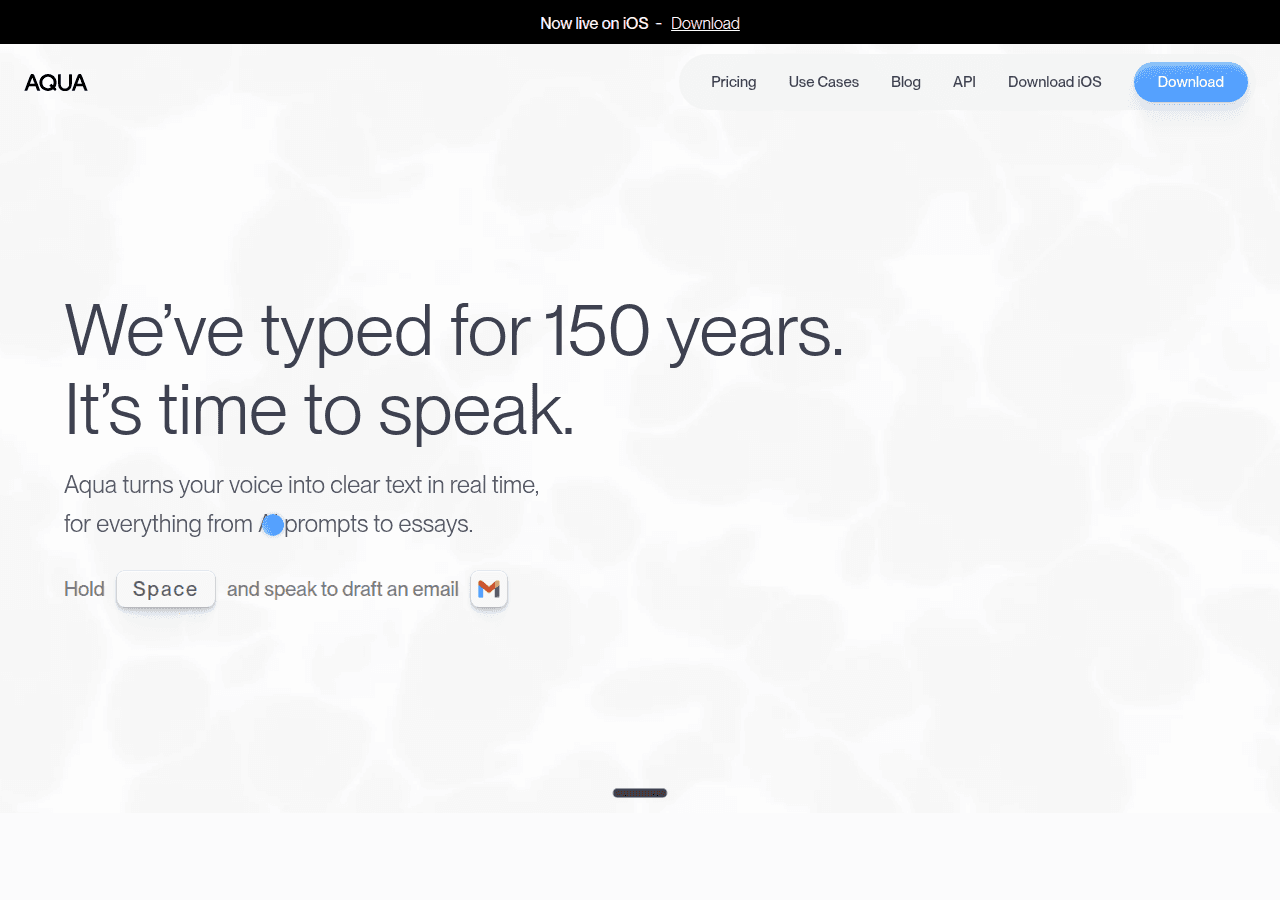
Aqua Voice built a proprietary model called Avalon specifically for technical speech, and it's the one tool that reliably reproduces brackets, semicolons, and indentation when you speak a snippet. It recognizes terms like kubectl, PyTorch, and model names out of the box, claims 97.3% accuracy on technical speech, and adds screen-context awareness — it adapts based on what's on your display and which app is active.
Worth being honest about the use case, though: in 2026, most vibe coders aren't dictating code character by character. They're describing intent and letting the model write it. Aqua is exceptional at a workflow that's becoming less common — but if you're in a hybrid mode where you still hand-write chunks, nothing else comes close.
Pricing: Starter is free with 1,000 words and 5 custom dictionary entries. Pro is $8/month (unlimited words, 800 dictionary values, Avalon access). Max is $24/month, adding real-time mode and voice commands. Team is $12/user/month (August 2026).
Best for: Developers who dictate literal syntax, work with dense technical jargon, or want the strongest code-aware transcription available.
Watch out: Mac and iOS only — no Windows. And the free tier's 1,000 words is a demo, not a trial.
4. superwhisper — the local-first veteran with a real free tier🔒
The best way to find out whether on-device dictation is fast enough for you, without paying anything.
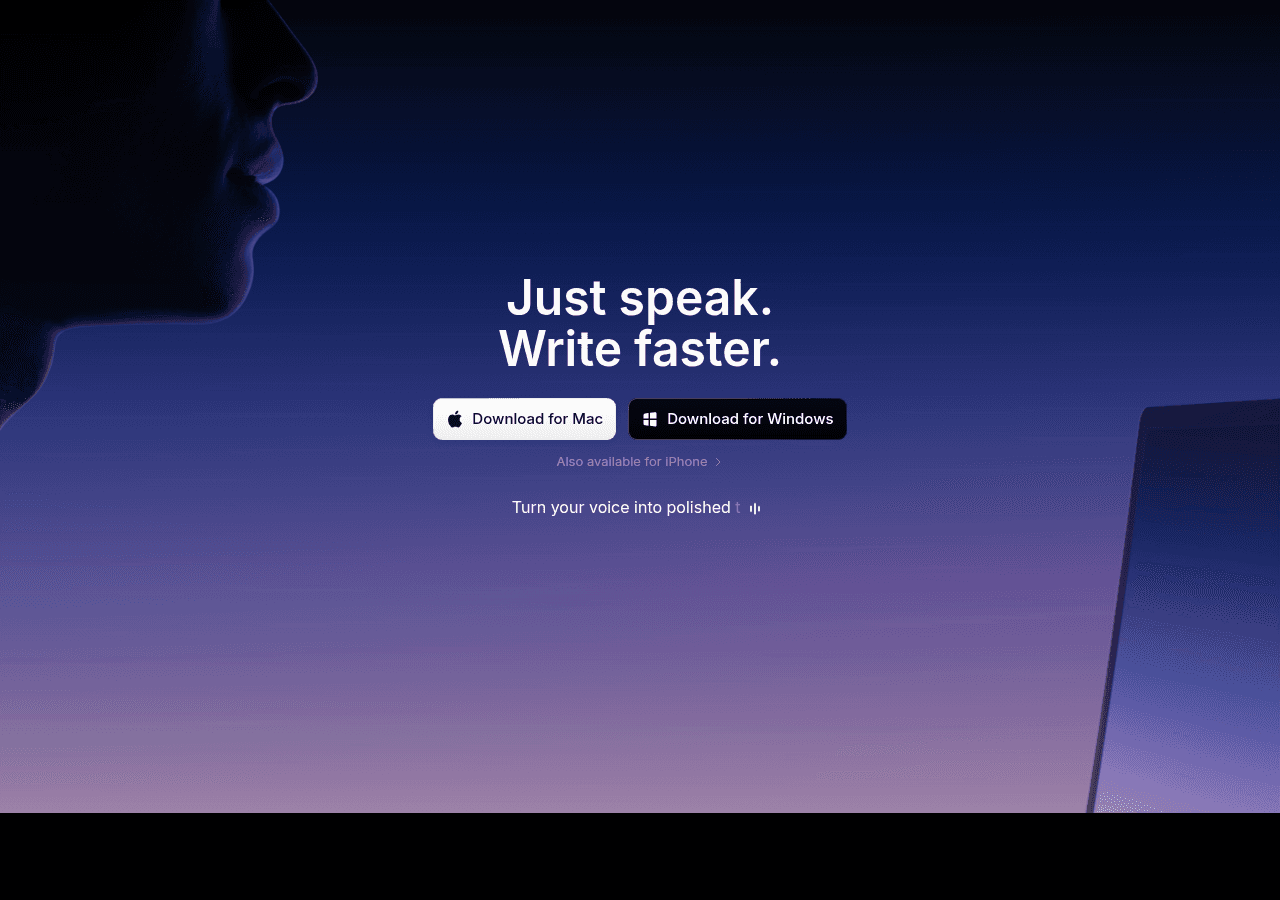
superwhisper runs Whisper models locally on macOS, Windows, and iOS, and works completely offline. The free tier is unusually generous — full voice-to-text across any app, 100+ languages, and unrestricted use of the smaller models. Custom vocabulary means you teach it your stack once and it remembers.
Its "modes" system is the differentiator: predefined writing styles (formal, casual, chat, and custom prompts) that reshape output based on context. Useful if you want your Cursor prompts terse and your emails polite without changing tools.
Pricing: Free tier with smaller models. Pro is $8.49/month or $84.99/year, and there's a $249.99 lifetime license. Students get 40% off; all plans carry a 30-day refund (August 2026 — superwhisper has raised the lifetime price before, so verify it).
Best for: Privacy-focused developers who want offline dictation and are happy to configure modes and prompts themselves.
Watch out: No IDE workspace awareness — technical accuracy depends entirely on how well you populate the custom vocabulary. And at $249.99, the lifetime license is $100 more than Voibe's for less coding-specific tooling.
5. Willow Voice — the one that learns how you write🧠
Smart formatting plus a memory that picks up your names and abbreviations without you configuring anything.
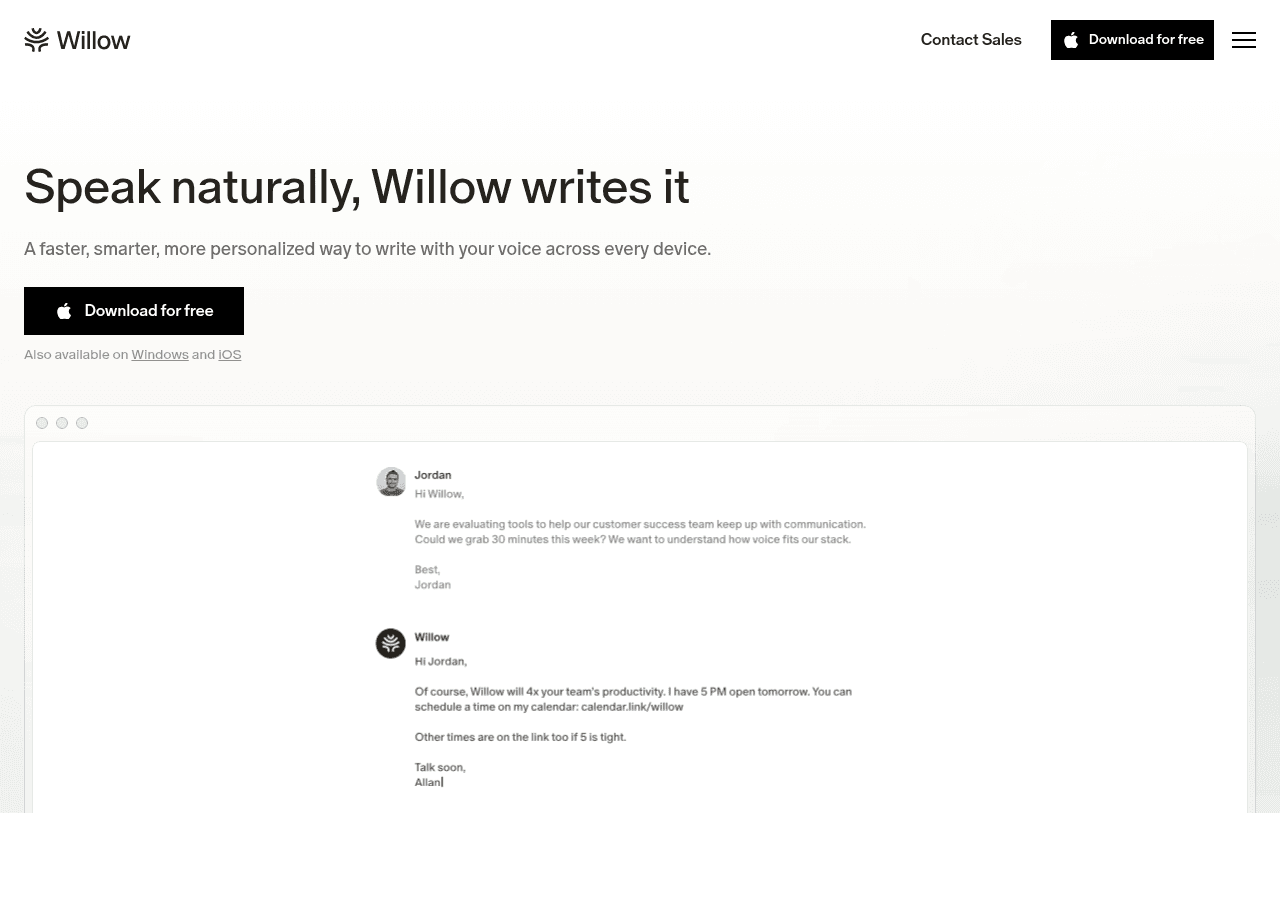
Willow claims ~200ms response times and 3x the accuracy of built-in dictation, with an auto-learning dictionary that remembers product terms and names as it encounters them — no manual dictionary upkeep. It strips filler words, fixes punctuation, and matches your tone per app. Whisper Mode handles noisy rooms and quiet speaking, which is a genuinely nice touch if you work in a café or share a space.
It's SOC 2 Type II certified and HIPAA compliant with zero data retention on the Business tier, and it runs on Mac, Windows, and iPhone. It works inside Cursor like everything else here, but has no dedicated IDE integration.
Pricing: Basic is free (weaker Frontier Mini model, 20 Scribe uses/week). Pro is $15/month or $12/month annually, unlocking the Frontier Pro model and unlimited use. Business is $35/month with enforced privacy mode (August 2026).
Best for: Writers-who-also-code — people whose dictation is 60% prose and 40% prompts, and who value tone matching over syntax accuracy.
Watch out: The free tier is capped to the weaker model, so it doesn't tell you much about how the real product performs. And zero data retention is a Business-tier ($35/month) feature.
6. VoiceInk — the open-source bargain🛠️
The cheapest way to own your dictation outright: GPL v3, runs Whisper locally, and you can build it from source for free forever.
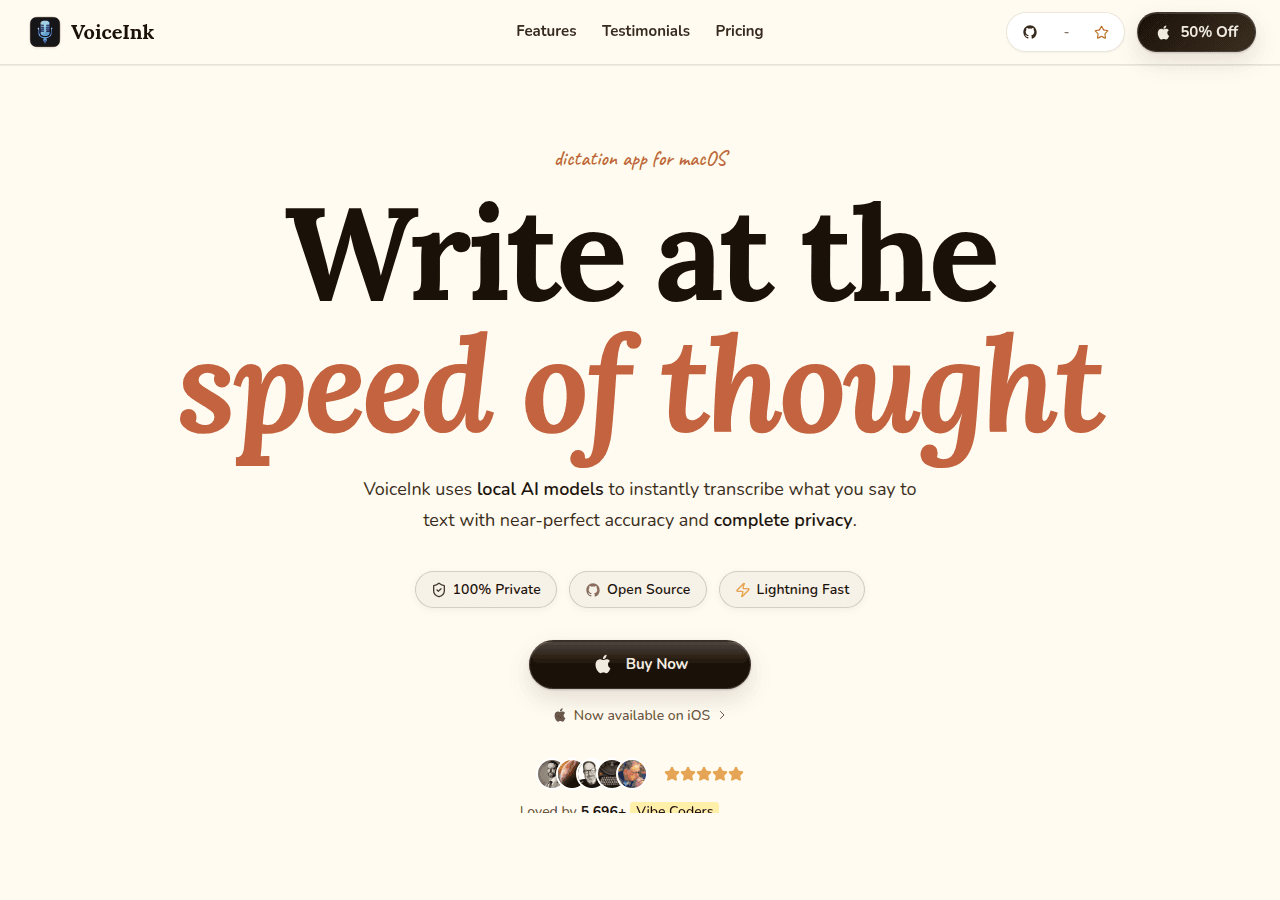
VoiceInk runs Whisper on your Mac via whisper.cpp, so audio never leaves the machine. Because it's open source under GPL v3, the paid license is really a convenience fee for a signed build and updates — you can compile it yourself and pay nothing.
It's less polished than the commercial options and the technical-vocabulary handling is plain Whisper, but for a certain kind of builder ("I'd rather read the source than the privacy policy") that's the point. Tellingly, its own homepage counts 5,696+ "vibe coders" among its users — this crowd found it early.
Pricing: Free if you build from source. Paid lifetime tiers: Solo $29 (1 Mac), Personal $49 (2 Macs), Extended $69 (3 Macs), with a 14-day refund. These replaced the older $25/$39/$49 tiers on August 1, 2026.
Best for: Devs who want auditable, on-device dictation and are comfortable with a rougher tool — or with a compiler.
Watch out: Mac only, no IDE integration, and you're on your own for support. Expect to tinker.
7. Talon Voice — the full hands-free rig🖐️
Not a dictation app. An entire way of driving a computer without touching it.
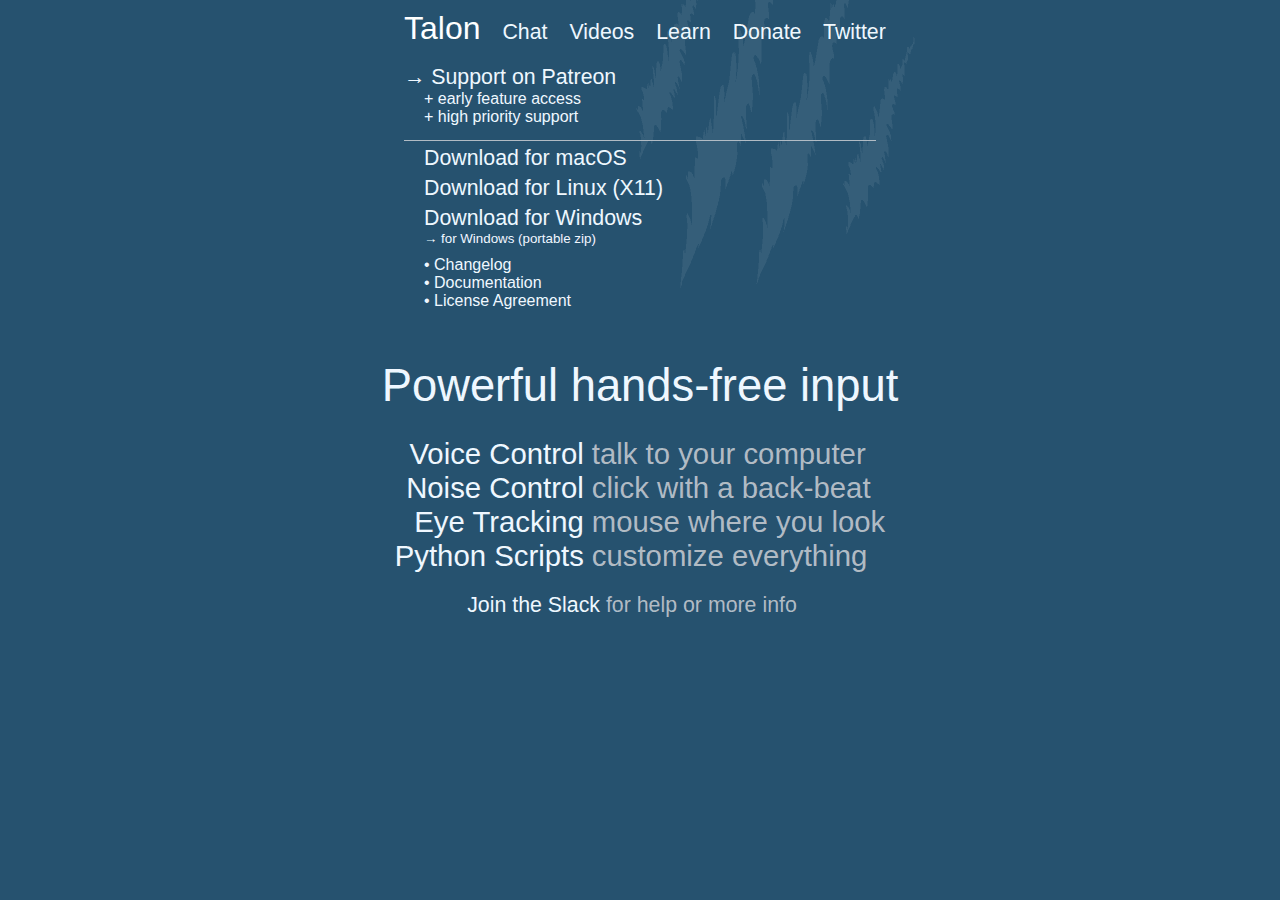
Talon lets you type text, click, scroll, switch windows, and navigate your whole OS by voice, with eye tracking, noise recognition (pop and hiss as click substitutes), and a Python scripting layer to customize everything. It's the tool developers with serious RSI use to keep working — Josh Comeau's write-up on hands-free coding is the classic account.
The trade-off is enormous: Talon has a real learning curve, measured in weeks, and you'll be writing your own command grammars. It's a commitment, not a download.
Pricing: Free. Early access to beta features runs $25/month via Patreon (August 2026).
Best for: Anyone who needs hands-free — RSI, injury, accessibility — rather than merely preferring it.
Watch out: If you just want to talk into Cursor, this is wildly over-engineered for the job. Start at #1 or #2.
8. MacWhisper — for recordings, not real-time🎙️
Included because people keep recommending it for dictation, and it isn't really a dictation app.
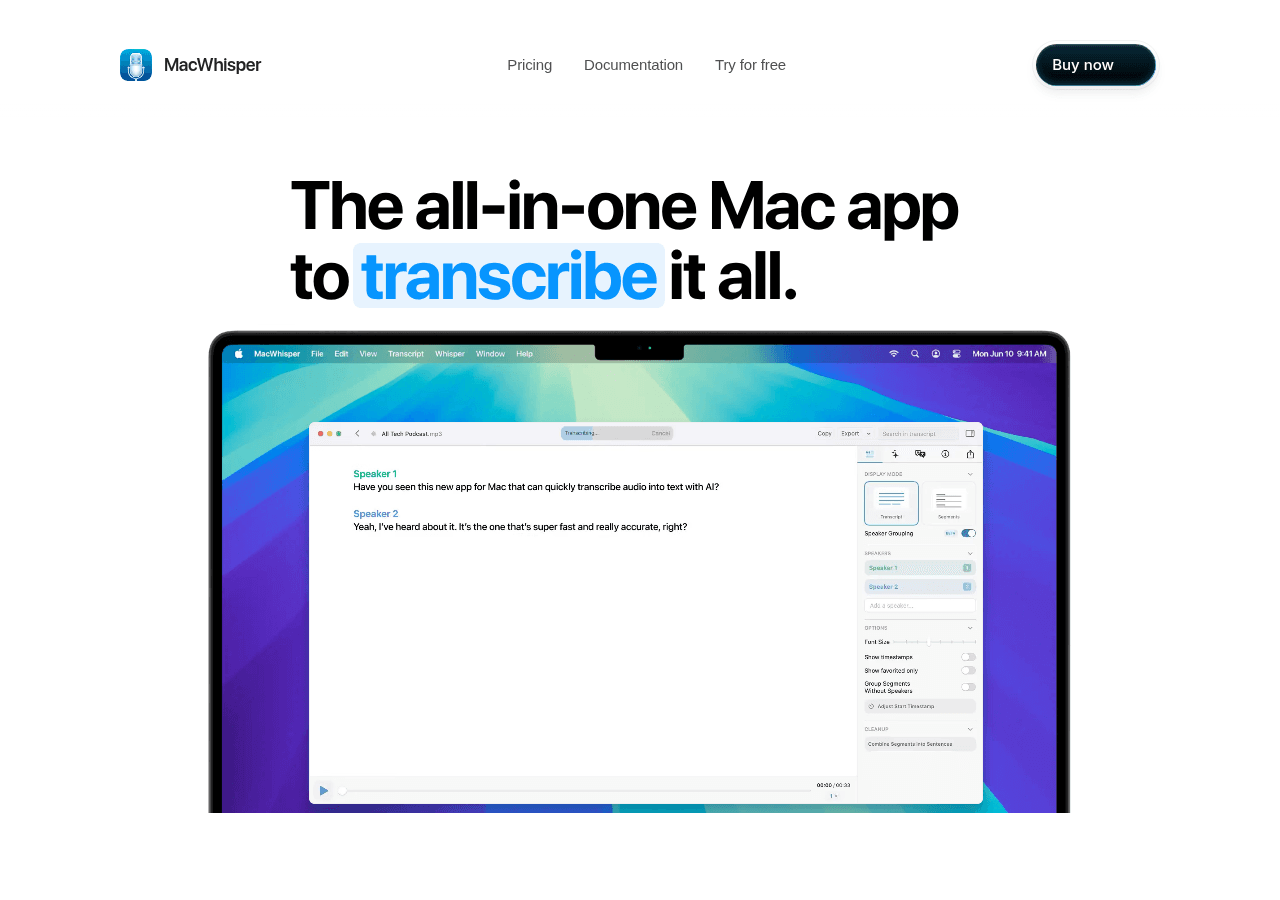
MacWhisper is excellent at what it does: transcribing audio and video files locally with Whisper, with speaker detection and good export options. If you record a rambling voice memo of what you want to build and want a transcript to paste into Claude, it's great.
But it's file-first, not live-insert-into-any-text-field. For an actual vibe-coding loop, you want something from the top half of this list.
Pricing: Free tier available; Pro is €59 (~$69) one-time on Gumroad, or App Store subscriptions ($6.99–$99.99) (August 2026).
Best for: Turning recorded meetings, voice memos, and calls into text you can feed an AI.
Watch out: Wrong tool for live dictation. Don't buy it expecting a Wispr Flow competitor.
9. Built-in macOS and Windows dictation — the free baseline🆓
Try this for one afternoon before you pay for anything.
macOS Dictation (double-tap Control) and Windows Voice Typing (Win+H) are free, already installed, and good enough to answer the only question that matters at the start: do I actually like talking to my computer? Plenty of people try it and hate the feeling. Find that out for $0.
They fall apart on exactly the things vibe coding needs — technical terms, punctuation, camelCase, long unbroken dictation — which is why the rest of this list exists.
Pricing: Free, built into the OS.
Best for: A one-day test drive before spending money.
Watch out: Accuracy on code terminology is poor enough that you'll spend longer editing than you saved. Treat it as a trial, not a solution.
Which one should YOU pick?🎯
Don't install five of these. Pick by situation:
- You live in Cursor/VS Code and want to buy once → Voibe ($149 lifetime). Developer Mode and on-device processing are the two things that matter most here, and it's the only tool with both.
- You want one polished app for everything, mobile included → Wispr Flow ($15/mo).
- You dictate literal syntax, not just prompts → Aqua Voice ($8/mo).
- You want to test on-device dictation for free → superwhisper's free tier.
- You'd rather read source code than a privacy policy → VoiceInk (free from source, $29 signed).
- Your hands are the actual problem → Talon Voice (free), and budget weeks to learn it.
- You've never dictated before → built-in OS dictation for one afternoon, then come back to this list.
Here's the thing about all of them: the first two days feel terrible. You'll be slower, you'll feel self-conscious talking to a laptop, and you'll want to quit. Day four is when it clicks and you stop noticing the keyboard is there.
Give whichever you pick a full week before you judge it. That's also why the 30-day refund windows on Voibe and superwhisper are worth more than a 1,000-word free trial — a week of real use tells you everything; a demo tells you nothing.
Building tools instead of buying them? Our first 100 users playbook covers how the indie devs behind apps like these got their first traction.
FAQ🙋
What's the best dictation app for vibe coding?
Voibe is the top pick. It's the only dictation app with a Developer Mode that reads your IDE workspace — resolving file names, folder paths and camelCase variables correctly for Cursor, VS Code and Windsurf — and it runs fully on-device on Apple Silicon Macs. Wispr Flow is the strongest cross-platform runner-up, and Aqua Voice is best if you dictate literal code syntax.
Is there a good free dictation app for developers?
Yes. superwhisper's free tier gives you unrestricted use of its smaller local models with no word cap, and VoiceInk is open source under GPL v3 so you can build it from source and run it free forever. Wispr Flow and Willow also have free tiers, but they're capped (2,000 words/week and a weaker model respectively).
Which dictation app has one-time pricing instead of a subscription?
Voibe offers a $149 lifetime license, superwhisper's lifetime plan is $249.99, VoiceInk starts at $29 one-time, and MacWhisper Pro is €59 (~$69) on Gumroad — all as of August 2026. Against a $15/month subscription like Wispr Flow or Willow, Voibe's lifetime license pays for itself in about ten months.
Is dictation safe to use with proprietary code?
It depends on the tool. Voibe on Apple Silicon, superwhisper, and VoiceInk all process audio on-device, so nothing leaves your machine. Cloud-based tools like Wispr Flow, Willow and Aqua Voice send audio to their servers — most offer zero-retention policies, but that's a promise rather than a technical guarantee. For client work under NDA, choose on-device.
Can you actually dictate code, or only prompts?
Both, but they're different tools. For dictating prompts to Cursor or Claude Code — the common vibe-coding workflow — Voibe and Wispr Flow are ideal. For dictating literal syntax with brackets, semicolons and indentation, Aqua Voice's Avalon model is the only one that reliably reproduces it character for character.
Thank you for reading🙏
Every week I break down how real indie hackers build profitable internet businesses — the newsletter continues at Superframeworks.
Join here for weekly case studies and frameworks.
Cheers,
Ayush