
8 Best Wispr Flow Alternatives in 2026
The 8 best Wispr Flow alternatives in 2026, ranked and priced — one-time licenses, on-device dictation and real free tiers, with Voibe as the top pick.
 Ayush Chaturvedi15 min read
Nobody quits Wispr Flow because it's bad. They quit because of the meter.
The free tier counts 2,000 dictated words a week — about 15 minutes of talking, gone by Tuesday if you actually dictate for work. Pro removes the cap but rents you the fix at $15/month, forever, with no lifetime off-ramp. And every word you speak takes a round trip through Wispr's cloud.
There are also two things the pricing page won't tell you: a screen-capture privacy saga that ended in a CTO apology, and a consistent pattern of quality dropping after the trial ends — reported by real users across Trustpilot, the App Store and Reddit. Both are documented below, with receipts.
So you're here looking for alternatives. I went through the entire 2026 field and ranked the 8 worth your money. My top pick is Voibe: it runs fully on-device on Apple Silicon, it has a Developer Mode that actually reads your IDE workspace, and it sells a $149 one-time license instead of a subscription — which pays for itself in about a year against Wispr Flow Pro.
I ranked these specifically for indie hackers and solo builders who dictate prompts, emails and docs all day. If you want the vibe-coding-specific deep dive, that's our full dictation apps for vibe coding ranking. This one is the Wispr Flow escape hatch.
Let's get into it👇
Why switch from Wispr Flow at all?🤔
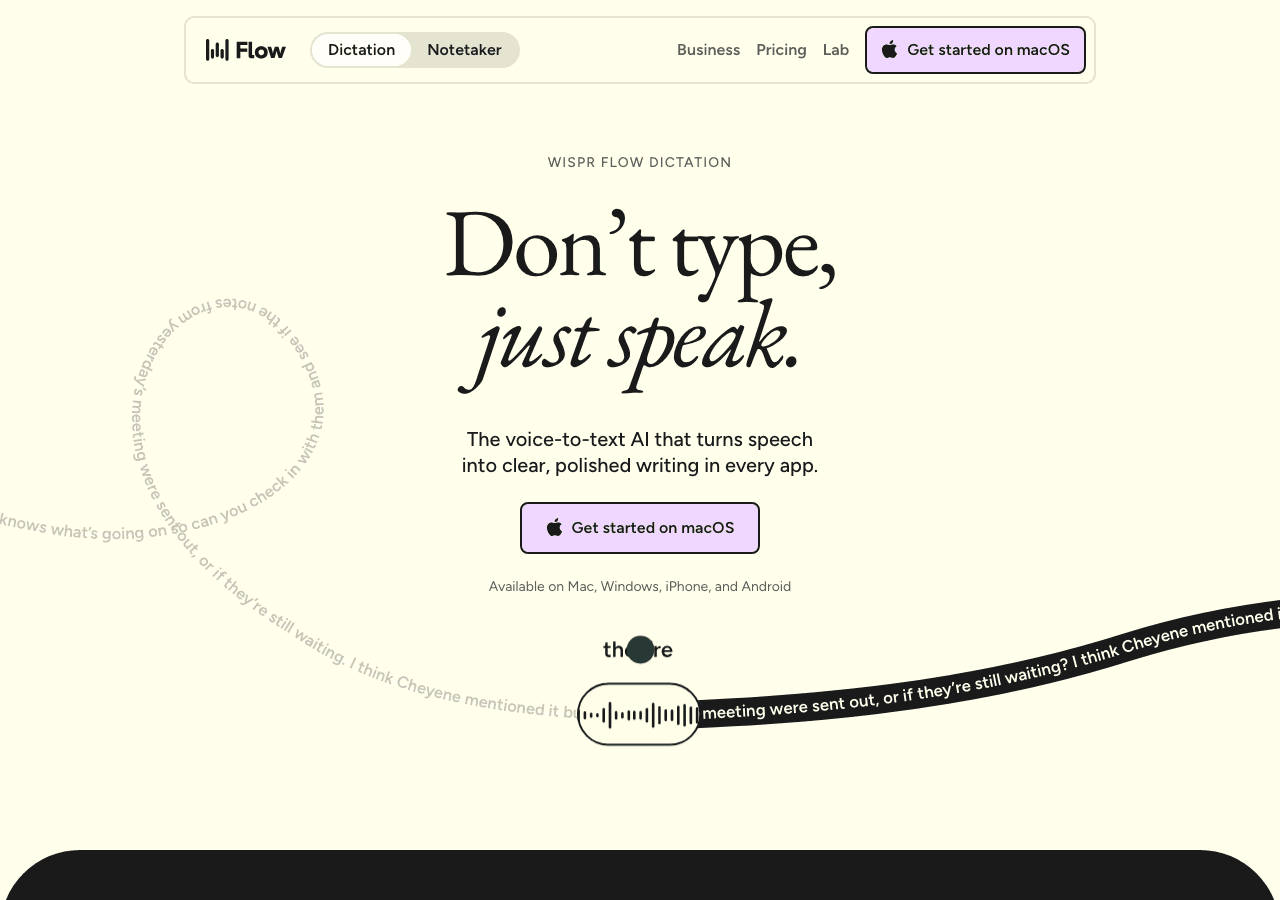
First, the honest case for staying: Wispr Flow is genuinely the most polished dictation app on the market. The AI cleanup is best-in-class, it works across Mac, Windows, iPhone and Android, and even Reddit's skeptics concede the experience is smooth. If $144/year and cloud processing fit your life, there's no crisis here.
But four things keep pushing people out the door:
- The meter. 2,000 words a week on desktop, 1,000 on iPhone. Flow's own docs say the first time you hit the cap, some accounts get 8,000 bonus words — a nice gesture that confirms the cap is the pain point.
- No lifetime option. Pro is $15/user/month or $12 billed annually — $432 over three years, and year four costs the same as year one.
- The privacy record. Cloud-only audio processing, plus a screen-capture feature that shipped on by default. More on this below👇
- The "day-two drop." A documented pattern of the app working great during the trial and degrading after payment. Also below👇
The privacy record, in full🚨
Here's the story every "is Wispr Flow safe" thread eventually tells. In 2025, users discovered that Flow's context-awareness feature captures screenshots of your active window — and that the app had also inserted itself into startup processes without asking, generating background network traffic while idle. When a Reddit user raised this publicly, the company initially banned the account. The CTO later apologized and the screen capture was flipped to opt-in, off by default. Credit where due — they responded — but the defaults were the tell.
The fine print today: Wispr Flow is cloud-only on every plan — your audio is transcribed on their servers, with no offline mode. "Privacy Mode" stops audio and transcript storage, but per independent analyses it still collects account info, usage metadata, session timestamps, feature logs and device information — some of which may qualify as a data "sale" under California's CCPA.
On your machine, Reddit users benchmarked a 2021 MacBook Pro showing roughly 800MB of RAM and 8% CPU while the app sat idle, with reports of the Windows (Electron) build freezing target apps like VS Code. For a menu-bar dictation tool, that's heavy.
The fair counterpoint: Wispr holds SOC 2 Type II certification with HIPAA controls available on all plans, runs a public incident log, and has been unusually transparent about outages since. If you need a cloud dictation tool with enterprise compliance, they're the strongest one. The problem isn't the certificates — it's that a dictation app hears everything you say and sees whatever's on your screen. On-device tools don't have that problem architecturally: there's nothing to leak because nothing leaves.
The "day-two drop": great in the trial, worse after you pay📉
This is the most consistent complaint in organic reviews, and it's why "Wispr Flow alternative" searches spike. A February 2026 Medium analysis — "The Wispr Flow Trust Gap" — traced the pattern: the app works well during the 14-day free trial, then degrades once you've paid. Trustpilot reviewers describe it "working 60% of the time" after subscribing.
The ratings tell the same story from three angles: Trustpilot sits at 2.7/5 (organic consumer reviews, where the post-payment degradation is the most common complaint), G2 shows 4.5/5 (a small, curated enterprise sample), and the App Store holds 4.8/5 across ~10,000 ratings — but recent reviews skew closer to 4.1. When curated and organic ratings diverge by nearly two stars, trust the organic ones.
Recent App Store reviews are specific. One June 2026 reviewer: "Servers seem to be done about 50% of the time... transcriptions do not capture or polish accurately." Another, from May 2026: "Instead of transcribing what I say, it's trying to rewrite what I say." And telling detail: Wispr's own help center has an article titled "Transcription suddenly got worse or feels less accurate."
The structural reason is that every dictation is a server round-trip. StatusGator's public tracking counted 75+ outages between December 2025 and June 2026, including a capacity incident that ran roughly six days in early June. When the cloud has a bad week, every user has a bad week simultaneously. An on-device tool has no server to fail — which is why most of this list leans local.
None of this makes Wispr Flow evil. It makes it a $144/year cloud subscription with a trust gap. Here's what the alternatives actually cost, in plain numbers.
How I ranked these🧐
Ranked for a solo builder's reality, not an enterprise procurement sheet:
- Three-year cost at solo scale — I did the math on every pricing page. Subscriptions compound; one-time licenses cap out. That asymmetry decides half this ranking.
- Privacy architecture — on-device processing beats "we promise we delete it," especially when you're speaking proprietary things out loud.
- Free-tier reality — word caps translated into actual minutes of talking, not marketing copy.
- Time to first result — how long from download to words landing in a text field. Tinkerer tools got ranked honestly as tinkerer tools.
- Alive and maintained — every tool here shipped updates in 2026.
All prices below are current as of September 2026. This category reprices constantly — check before you buy.
Quick comparison table📋
| Tool | Best for | Price (September 2026) |
|---|---|---|
| Voibe | Buying once, on-device privacy, IDE awareness | $7.50/mo, $59/yr, or $149 lifetime |
| superwhisper | Testing on-device dictation for free | Free · Pro $8.49/mo · $249.99 lifetime |
| Aqua Voice | Dictating literal code and technical jargon | Free (1,000 words) · Pro $8/mo |
| Willow Voice | Matching your writing voice in prose | Free (basic) · Pro $15/mo |
| Typeless | The most generous free tier + Android | Free (8,000 words/wk) · Pro $12/mo annual |
| VoiceInk | Open source, $29 one-time | Free from source · $29 one-time |
| MacWhisper | Transcribing recordings, not live dictation | Free tier · Pro €59 (~$69) lifetime |
| Talon Voice | Full hands-free computer control | Free · $25/mo Patreon beta |
1. Voibe — buy it once, keep your voice on your machine🏆
The only alternative that solves both Wispr Flow problems at once: a $149 one-time license instead of a subscription, and audio that never leaves your Mac.
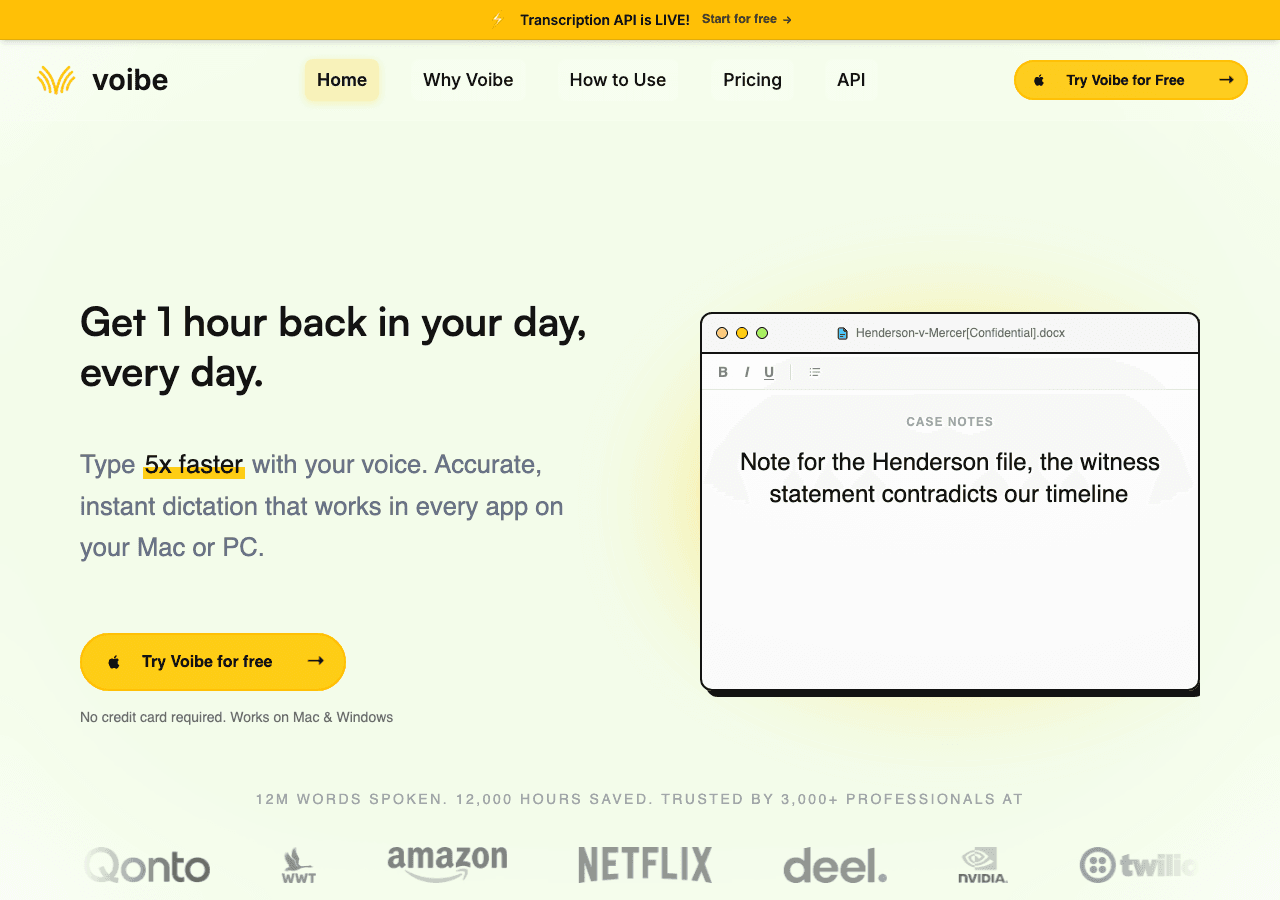
Voibe is a Mac and Windows dictation app that quietly fixes everything people leave Wispr Flow over. The privacy story is structural, not a policy: on Apple Silicon (M1 and up), transcription runs fully on-device using open-source Whisper models — it works on a plane, in a café, with the Wi-Fi off. On Windows, you get a zero-retention cloud mode instead, which is a promise rather than a guarantee. Still the better architecture of the two options on that platform.
The feature that crowns it for builders is Developer Mode. When your IDE is the active app, Voibe reads your workspace structure — file names, folder paths, variable names — and uses it as a recognition hint. Say "useAuth dot tsx" and you get useAuth.tsx, not "use auth dot T S X". It supports Cursor, VS Code and Windsurf, and Voibe claims it's the only Mac dictation tool doing workspace resolution today; I couldn't find a counterexample either.
Then there's the pricing. $7.50/month, $59/year, or $149 one-time for lifetime access, with a 30-day money-back guarantee on all tiers (September 2026). Here's the math that matters: Wispr Flow Pro costs $144/year at the annual rate. Voibe's lifetime license pays for itself in about 13 months against that, and under 10 against monthly billing — and then it never costs another cent. The subscription-versus-buy-once gap is the same bet AJ made with Carrd that let a solo founder take a $19/year product to 3.3M sites: at indie scale, price simplicity compounds.
Smaller details done right: spoken punctuation, a custom dictionary that learns your stack's jargon, memory shortcuts (reusable snippets triggered by voice — your Cursor preamble becomes one spoken phrase), and hands-free mode with a remappable hotkey that works with a foot pedal if your wrists are why you're here. Voibe's homepage reports 12M words spoken across 3,000+ users — small next to Wispr Flow, but focused.
Pricing: $7.50/month, $59/year, or $149 lifetime (September 2026). Unlimited dictation on every tier, 30-day money-back guarantee.
Best for: Indie devs and solo founders who would rather own a tool than rent one, and who don't want their voice notes living on someone else's servers.
Watch out: No mobile apps — Mac and Windows only. On-device mode requires Apple Silicon. And Developer Mode covers VS Code, Cursor and Windsurf; JetBrains and Neovim users are still waiting.

Against Wispr Flow specifically, here's the head-to-head that decides it for most people:

2. superwhisper — test on-device dictation for $0🔒
The best free answer to "is local dictation fast enough for me?" — full smaller-model Whisper, no word cap, no account games.
superwhisper runs Whisper models locally on macOS, Windows and iOS, and works completely offline. The free tier is the most honest in the category: unrestricted use of the smaller local models. No weekly meter, unlike Wispr Flow's 2,000 words. You only pay when you want the bigger models and the AI-powered features.
Its differentiator is the "modes" system — predefined writing styles (formal, casual, chat, custom prompts) that reshape output per context. Terse in a Cursor prompt, polite in an email, same tool. Power users can also pick their Whisper model size, which matters if you're balancing accuracy against an older machine.
Pricing: Free tier with smaller models. Pro is $8.49/month or $84.99/year, with a $249.99 lifetime license and 40% student discount (September 2026).
Best for: Finding out if on-device dictation works for your accent and your vocabulary before spending anything — and privacy-first users who like tweaking modes.
Watch out: No IDE workspace awareness, so technical accuracy depends entirely on how well you populate the custom vocabulary. And that $249.99 lifetime is $100 more than Voibe's for less developer tooling. The UI is functional, not polished — you'll notice the difference coming from Wispr Flow.
3. Aqua Voice — the one that dictates actual code⌨️
Everything else here is for dictating prose and prompts. Aqua is for dictating the code itself.
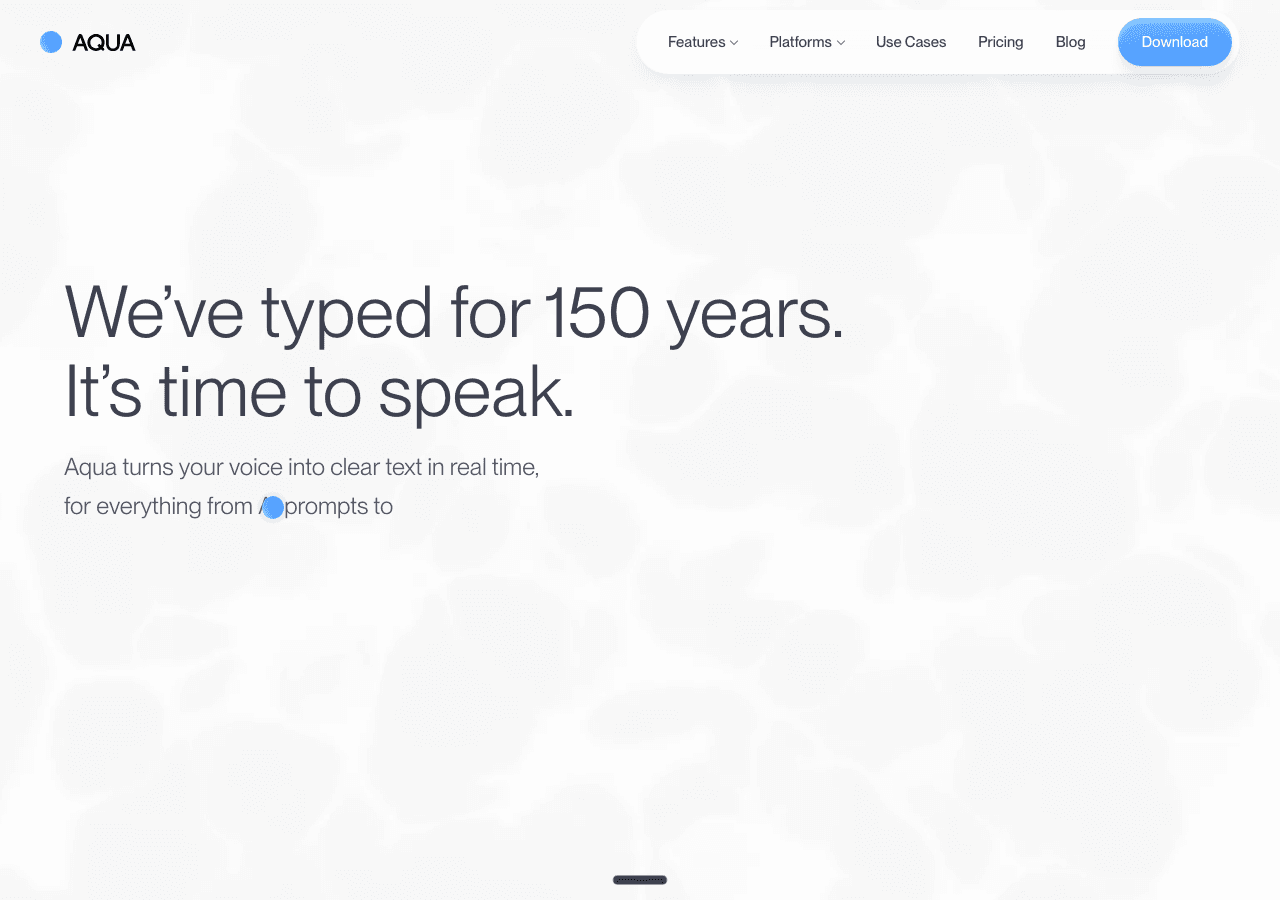
Aqua Voice built its own model, Avalon, specifically for technical speech. It publishes a 97.3% accuracy score on the AISpeak benchmark for technical terms — programming keywords, framework names, CLI commands — and it's the one tool in this list that reliably reproduces brackets, semicolons and indentation when you speak a snippet. It reads the active app for context and runs on Mac, Windows and iPhone.
Be honest with yourself about the use case, though: in 2026 most builders describe intent and let the model write the code. If that's you, Voibe or superwhisper fit better. But if you still hand-write chunks — or you dictate dense jargon all day — nothing else comes close on technical accuracy.
Pricing: Free with 1,000 words to start. Pro is $8/month billed annually for unlimited dictation, Max adds realtime mode and voice commands at $24/month, Team is $12/user/month (September 2026).
Best for: Developers who dictate literal syntax and anyone whose speech is 50% library names.
Watch out: Cloud-only — it needs internet, and your audio goes to their servers. No Android, no Linux. And the 1,000-word free tier is a demo, not a plan.
4. Willow Voice — the one that learns how you write🧠
If what you miss about Wispr Flow is the polished prose output, Willow is the closest match — with a memory that picks up your names and style without configuration.
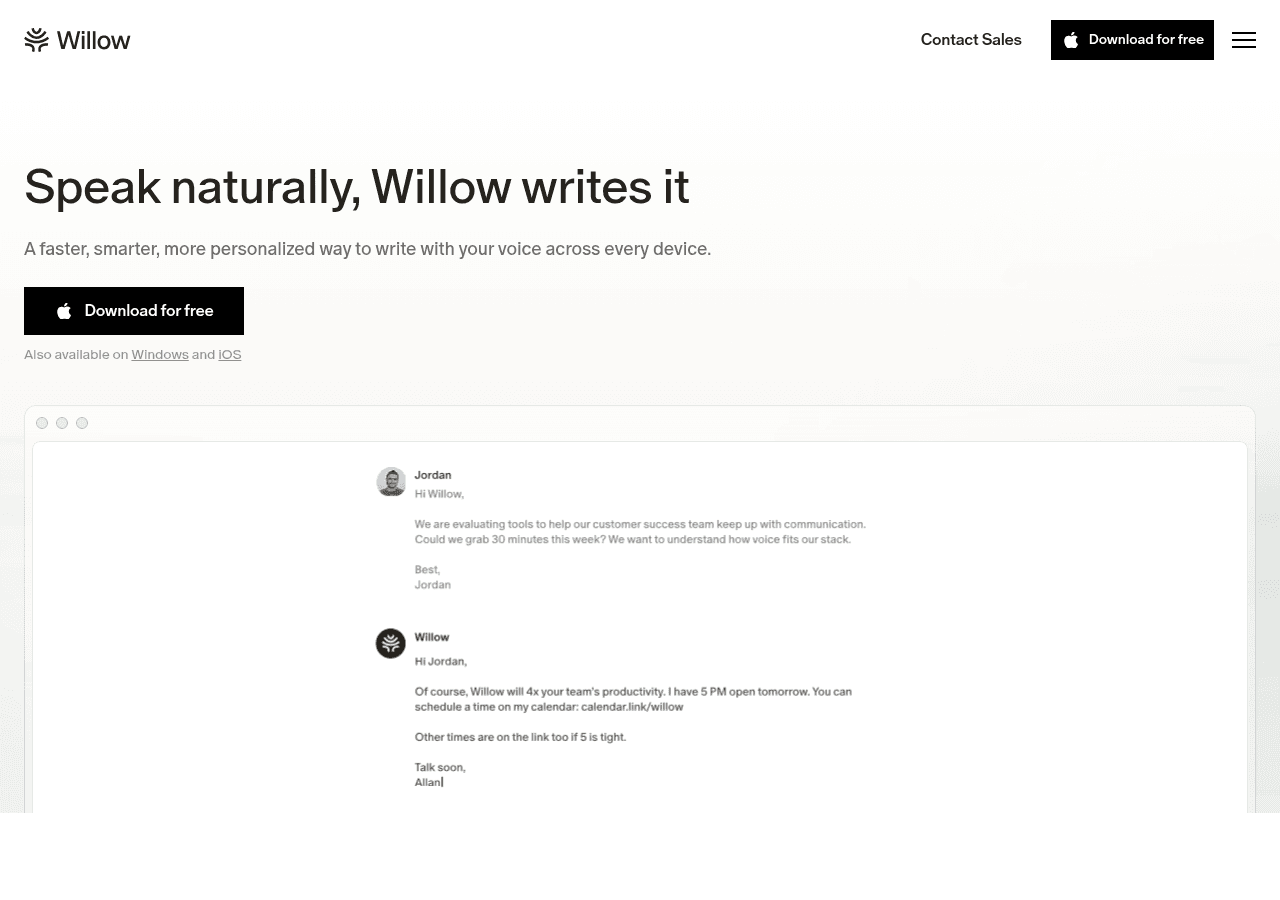
Willow claims ~200ms response times and an auto-learning dictionary that absorbs your product terms as it encounters them — no manual upkeep. It strips filler, fixes punctuation, and matches tone per app: casual in Slack, measured in a client proposal. Whisper Mode handles noisy rooms and quiet speaking, a genuinely nice touch for café workers. It's SOC 2 Type II certified and runs on Mac, Windows and iPhone.
The catch is the price: Pro is $15/month — the same as Wispr Flow's monthly rate. You're switching for the writing-voice memory and the platform feel, not the savings.
Pricing: Free tier with the weaker Frontier Mini model and 20 Scribe uses/week. Pro is $15/month or $12/month annually. Business is $35/month with enforced privacy mode (September 2026).
Best for: Writers-who-also-code — people whose dictation is 70% prose and who value tone matching over syntax accuracy.
Watch out: Zero data retention — the privacy posture you'd actually want — is locked to the $35/month Business tier. And the free tier's weaker model doesn't tell you how the real product performs.
5. Typeless — the free tier Wispr Flow should be scared of🆓
8,000 words a week for free — four times Wispr Flow's cap — plus the only real Android support in the category.
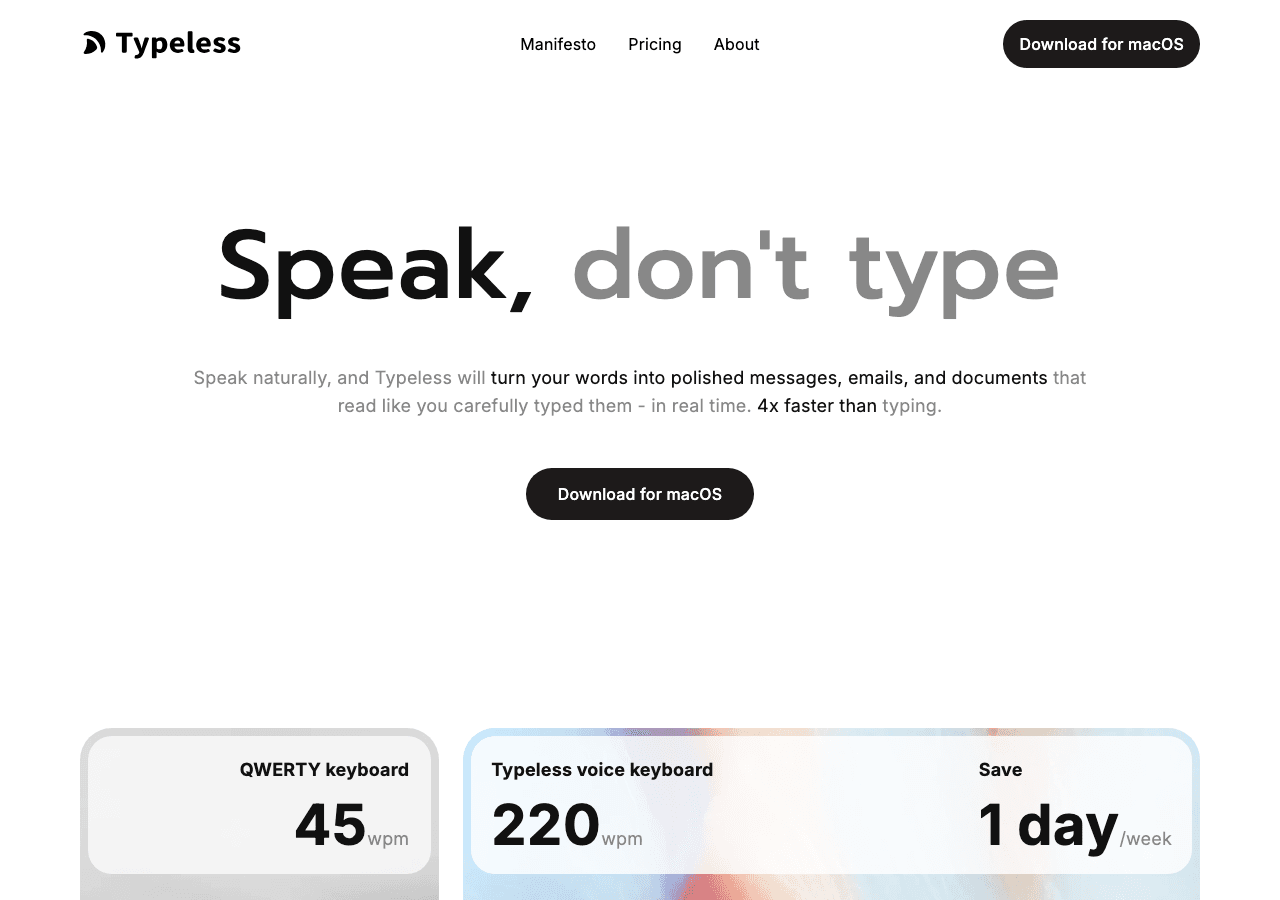
Typeless is the cloud-polish play: speech goes in, clean formatted text comes out, across Mac, Windows, iPhone and Android — that last one still rare enough to be a genuine differentiator. The free plan's 8,000 words/week (confirmed on their own pricing page) is enough for real daily work, not just a demo. New accounts start with a 30-day Pro trial, then drop to the free cap.
The standout feature for rambly thinkers is Messy Thoughts: it takes a stream-of-consciousness ramble and restructures it into organized text. If you think out loud and tidy up later, this is your tool.
Pricing: Free at 8,000 words/week. Pro is $12/member/month billed annually — or $30/month monthly, the steepest monthly price in the category. No lifetime option (September 2026).
Best for: Staying free forever with cloud-quality cleanup, or anyone dictating from an Android phone.
Watch out: That $30 monthly price is nearly double Wispr Flow's — go annual or don't go paid at all. Cloud-only, and reviewers note accuracy trails Wispr Flow and Willow on messy input.
6. VoiceInk — the $29 open-source exit🛠️
The cheapest way to own your dictation outright: GPL v3, runs Whisper locally, and you can build it from source for free forever.
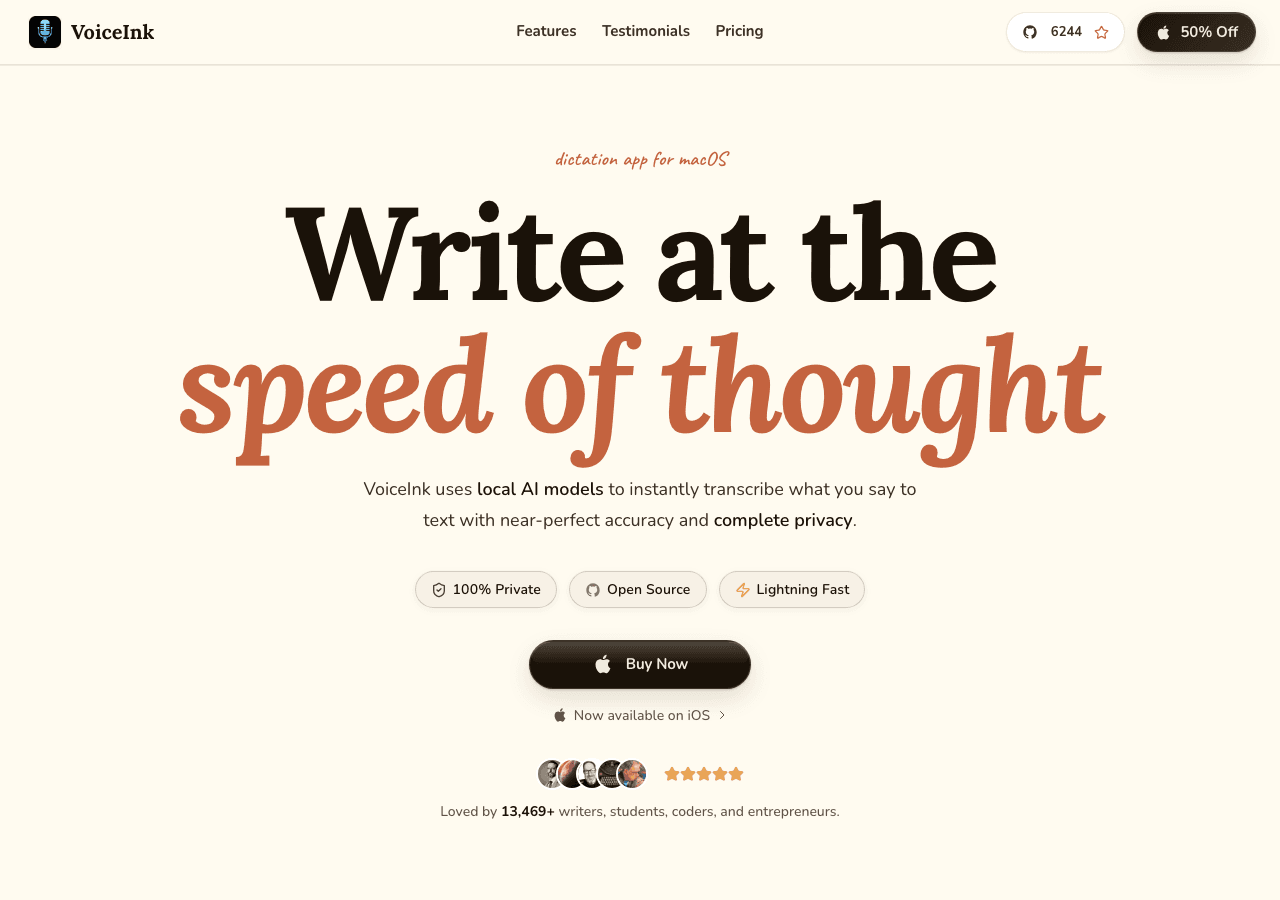
VoiceInk runs Whisper on your Mac via whisper.cpp — audio never leaves the machine, and you can read every line of code that handles it. It's the answer for the "I'd rather read the source than the privacy policy" crowd, with 4,700+ GitHub stars and an active solo developer behind it.
The technical-vocabulary handling is plain Whisper — no workspace awareness, no proprietary model — so filenames and camelCase come out wrong more often than in Voibe or Aqua. You trade polish for auditability and price.
Pricing: Free if you build from source. Paid lifetime tiers: $29 (1 Mac), $49 (2 Macs), $69 (3 Macs), with a 14-day refund (September 2026).
Best for: Devs who want auditable, on-device dictation for the price of two coffees.
Watch out: Mac only. The AI-cleanup features require bringing your own API keys, which adds a hidden meter. Community support, not a support team.
7. MacWhisper — for recordings, not real-time🎙️
Included because people keep recommending it as a Wispr Flow replacement, and it isn't one — it's the best local transcription app instead.
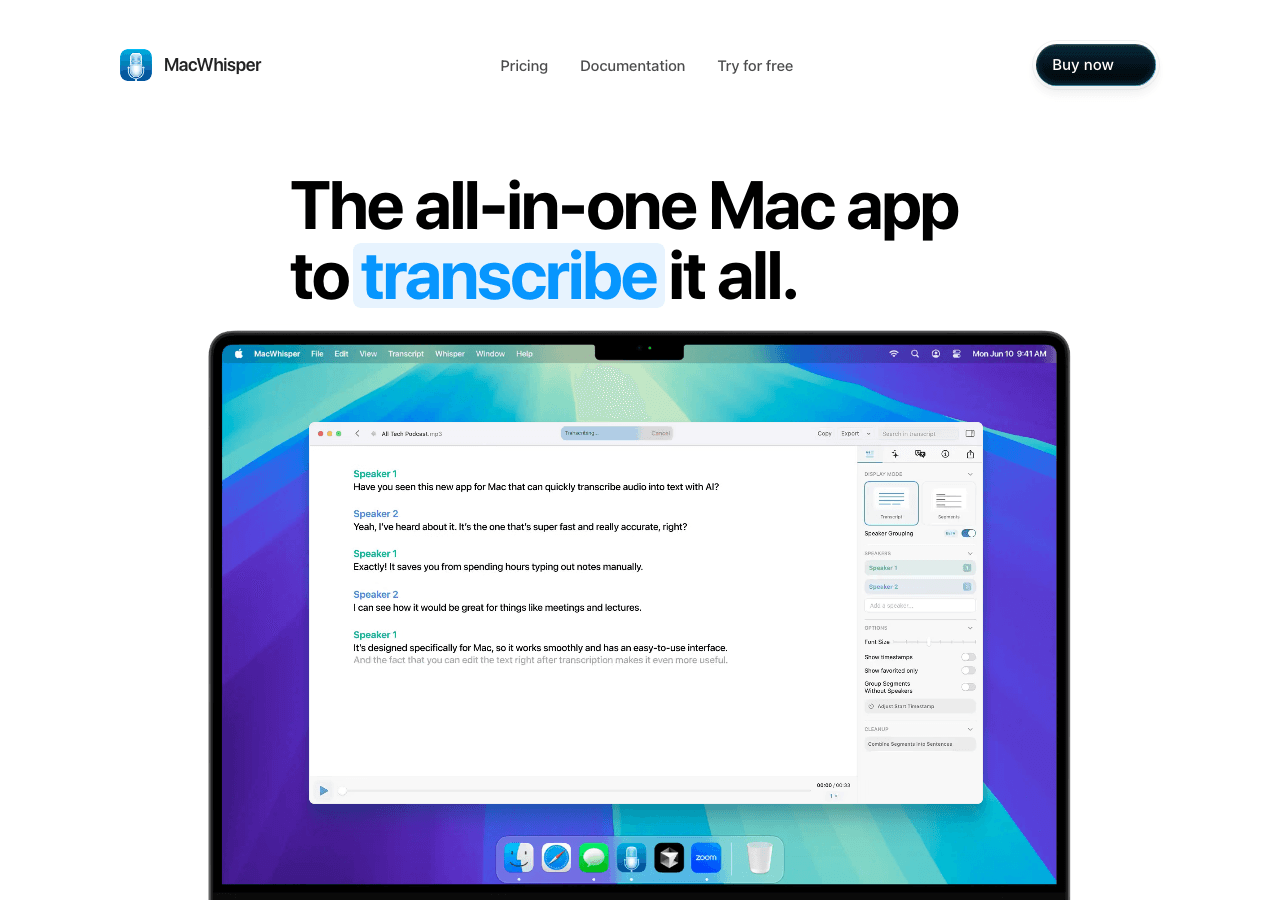
MacWhisper transcribes audio and video files locally with Whisper, with speaker detection and good exports. The actual Wispr-Flow-shaped use case: you ramble a 10-minute voice memo about what you want to build, drop the file in, and paste the transcript into Claude. For that workflow it's excellent — and cheap, forever.
But it's file-first, not live-insert-into-any-text-field. For a real-time dictation loop, it's the wrong tool, and buying it expecting a Wispr Flow competitor wastes your €59.
Pricing: Free tier available. Pro is €59 (~$69) one-time on Gumroad, or App Store subscriptions from $6.99 (September 2026).
Best for: Turning meetings, voice memos and calls into text you can feed an AI.
Watch out: Mac only, and not a live dictation tool. Pair it with something from the top half of this list if you dictate daily.
8. Talon Voice — the full hands-free rig🖐️
Not a dictation app. An entire way of driving your computer without touching it — and the right answer when your hands are the actual problem.
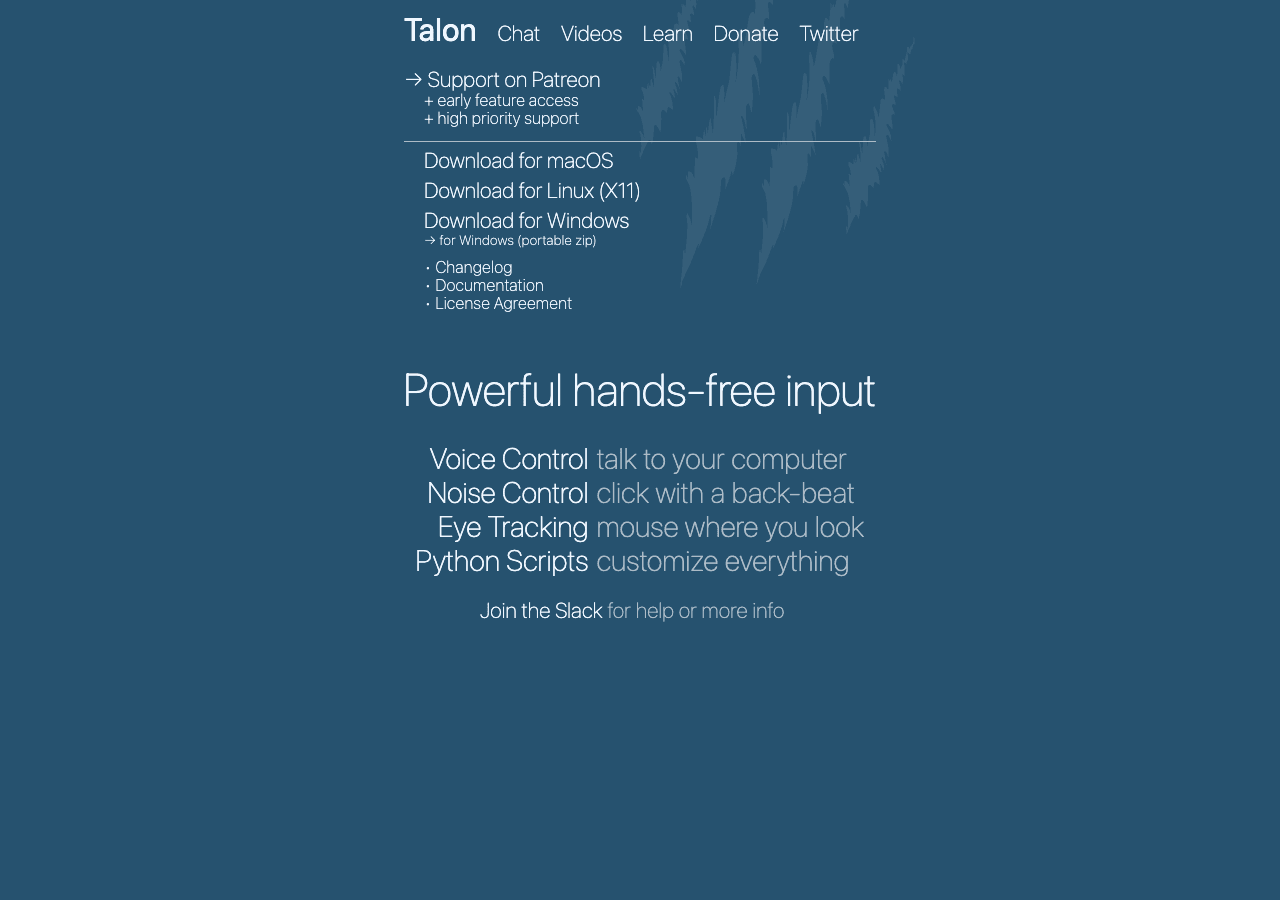
Talon lets you type, click, scroll and navigate your whole OS by voice, with eye tracking, noise recognition and a Python scripting layer for customizing everything. It's what developers with serious RSI use to keep working — Josh Comeau's hands-free coding write-up is the classic account, and it's worth reading even if your wrists are fine.
The trade-off is enormous: a real learning curve measured in weeks, and you'll be writing your own command grammars. It's a commitment, not a download.
Pricing: Free. Beta early access runs $25/month via Patreon (September 2026).
Best for: Anyone who needs hands-free input — injury, RSI, accessibility — rather than merely preferring it.
Watch out: If you just want words to land in a text field, this is wildly over-engineered. Start at #1 or #2.
Which one should YOU pick?🎯
Don't install five of these. Pick by situation:
- You want to pay once and never again → Voibe ($149 lifetime). On-device, IDE-aware, and it stops costing you money after month 13.
- You want to test on-device dictation before paying → superwhisper's free tier, with no word cap.
- You dictate literal code, not just prompts → Aqua Voice ($8/mo annual).
- You want to stay free with cloud polish → Typeless at 8,000 words/week — or VoiceInk compiled from source for $0 forever.
- You dictate mostly prose and love the polish → Willow Voice, accepting that it costs the same as Wispr Flow.
- Your hands are the actual problem → Talon Voice (free), and budget weeks to learn it.
- You're on Android → Typeless is the only serious option in this list.
And the counterintuitive one: if you're happy on Wispr Flow Pro and mobile dictation matters to you, staying might be right. The switching cost is real and the polish is real. This list exists for the people the meter, the cloud, or the $432/three-years math has already bothered.
Whichever you pick, give it a full week. The first two days of dictating feel terrible — you're slower and self-conscious. Day four is when it clicks. That's why the 30-day refund windows on Voibe and superwhisper are worth more than any 1,000-word free trial.
Building tools instead of buying them? The indie devs behind apps like these started exactly where you are — our first 100 users playbook covers how they got traction.
FAQ🙋
What's the best Wispr Flow alternative?
Voibe. It's the only alternative that combines a $149 one-time license, fully on-device transcription on Apple Silicon Macs, and a Developer Mode that reads your IDE workspace for Cursor, VS Code and Windsurf. superwhisper is the best free runner-up, and Aqua Voice is best if you dictate literal code syntax.
What's the cheapest Wispr Flow alternative?
VoiceInk at $29 one-time for a signed Mac build — or free forever if you compile it from its GPL v3 source. superwhisper's free tier and your operating system's built-in dictation cost nothing at all, with accuracy trade-offs you should test against your own vocabulary.
Is there a free Wispr Flow alternative with no word cap?
Yes. superwhisper's free tier gives unrestricted use of its smaller local models with no weekly cap, and VoiceInk runs free if you build it from source. Typeless offers 8,000 words a week for free — four times Wispr Flow's 2,000-word cap — if you prefer cloud-style cleanup.
Which Wispr Flow alternatives work offline?
Voibe on Apple Silicon Macs, superwhisper, VoiceInk and MacWhisper all process audio on-device and work without internet. Aqua Voice, Typeless and Willow are cloud-based like Wispr Flow and need a connection.
Are there privacy concerns with Wispr Flow?
Yes — documented ones. Until public outcry in 2025, Wispr Flow captured active-window screenshots for its context feature by default (it's now opt-in), and it processes all audio in the cloud with no offline mode. "Privacy Mode" stops audio storage but still collects usage metadata and device information. Wispr holds SOC 2 Type II certification and runs a public incident log — but if you dictate over confidential material, on-device tools like Voibe, superwhisper and VoiceInk avoid the exposure architecturally: nothing leaves your machine.
Can I ditch the subscription entirely?
Yes — the one-time landscape as of September 2026: VoiceInk from $29, MacWhisper Pro at €59 (~$69), Voibe at $149, and superwhisper at $249.99. Against Wispr Flow Pro's $432 over three years, every one of them saves you money by year two.
Thank you for reading🙏
Every week I break down how real indie hackers build profitable internet businesses — the newsletter continues at Superframeworks.
Join here for weekly case studies and frameworks.
Cheers,
Ayush